Axidian CertiFlow Management Console
Before you start working with AirCard virtual smart cards, open the Axidian CertiFlow Management Console and go to Configuration. Follow these steps:
- Add a license for Axidian AirCard Enterprise.
- Add the AirCard smart card type.
- Configure privileges to work with AirCard smart cards.
Add Axidian AirCard Enterprise license
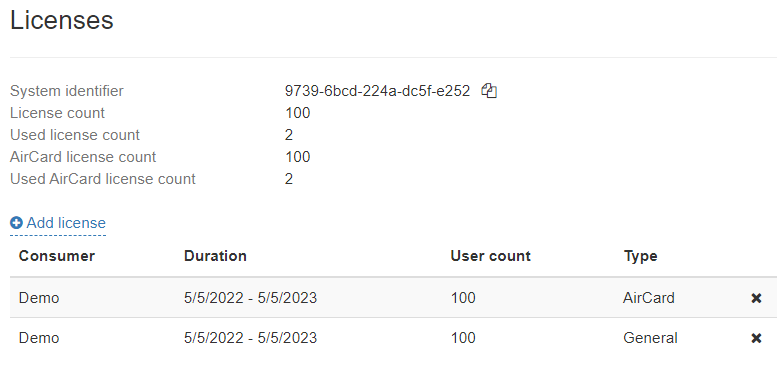
To upload a new license, click Add License, select the license file, and click Add.
To remove the license from Axidian CertiFlow, select it from the list and click  . Click Delete.
How to check license information
Add the AirCard smart card type
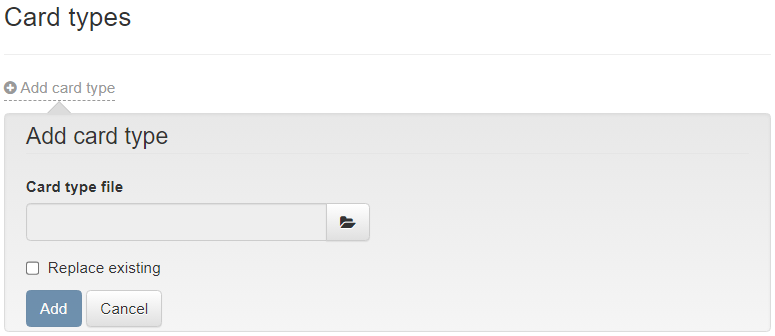
- Go to Configuration → Card types and click Add card type.
- Upload the AirCard.xml card type file from ..\Misc\CardTypes folder of the Axidian CertiFlow installation package. To replace the card type file, enable the Replace existing option.
- Click Add.
How to add a card type
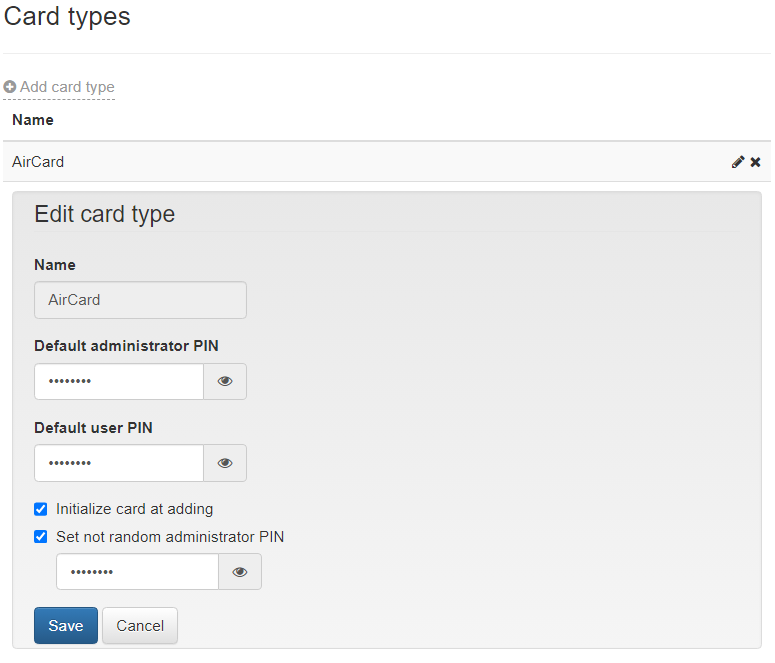
The default card type file contains the PIN values for administrator (87654321) and user (12345678). You can change the PINs after you add the card type file in Axidian CertiFlow. Click  to edit, click
  to view the PINs.
The following options available in the Edit card type window:
Initialize card at adding. If the option is enabled:
- Smart card is cleared.
- Smart card name is set to Empty.
- Administrator PIN is changed to random (only available in Axidian CertiFlow) or to the PIN specified in the Set not random administrator PIN option.
- Number of administrator PIN input attempts before card locking is set to 3.
- User PIN, its minimum length and the number of input attempts are set according to the values that you specified in the smart card type file.
Set not random administrator PIN. If the option is enabled, you can enter the administrator PIN to be set when you add the card in the AirCard system. If the option is disabled, a random PIN is set.
How to edit a card type
To delete a card type, select it from the list and click .
You can only delete a card type if there are no cards of this type in Axidian CertiFlow.
Configure privileges to use AirCard smart cards
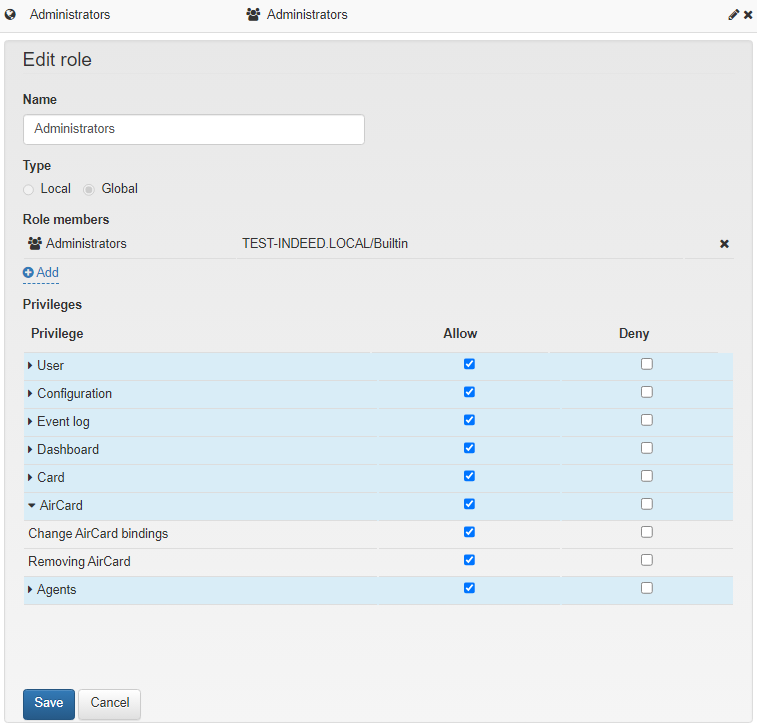
To configure privileges for Axidian CertiFlow users to manage AirCard smart cards, go to Configuration → Roles. Set the following privileges for the roles members:
- Change AirCard bindings
- Removing AirCard
Edit a role